Visual Studio extension to quantify your coding using https://wakatime.com/.
-
Inside Visual Studio, navigate to
Tools→Extensions and Updates... -
Click the
Onlinecategory at the left, then search forwakatime. -
Click the
Downloadbutton, then clickInstall. -
Click the
Restart Nowbutton. -
Enter your api key, then press
enter. -
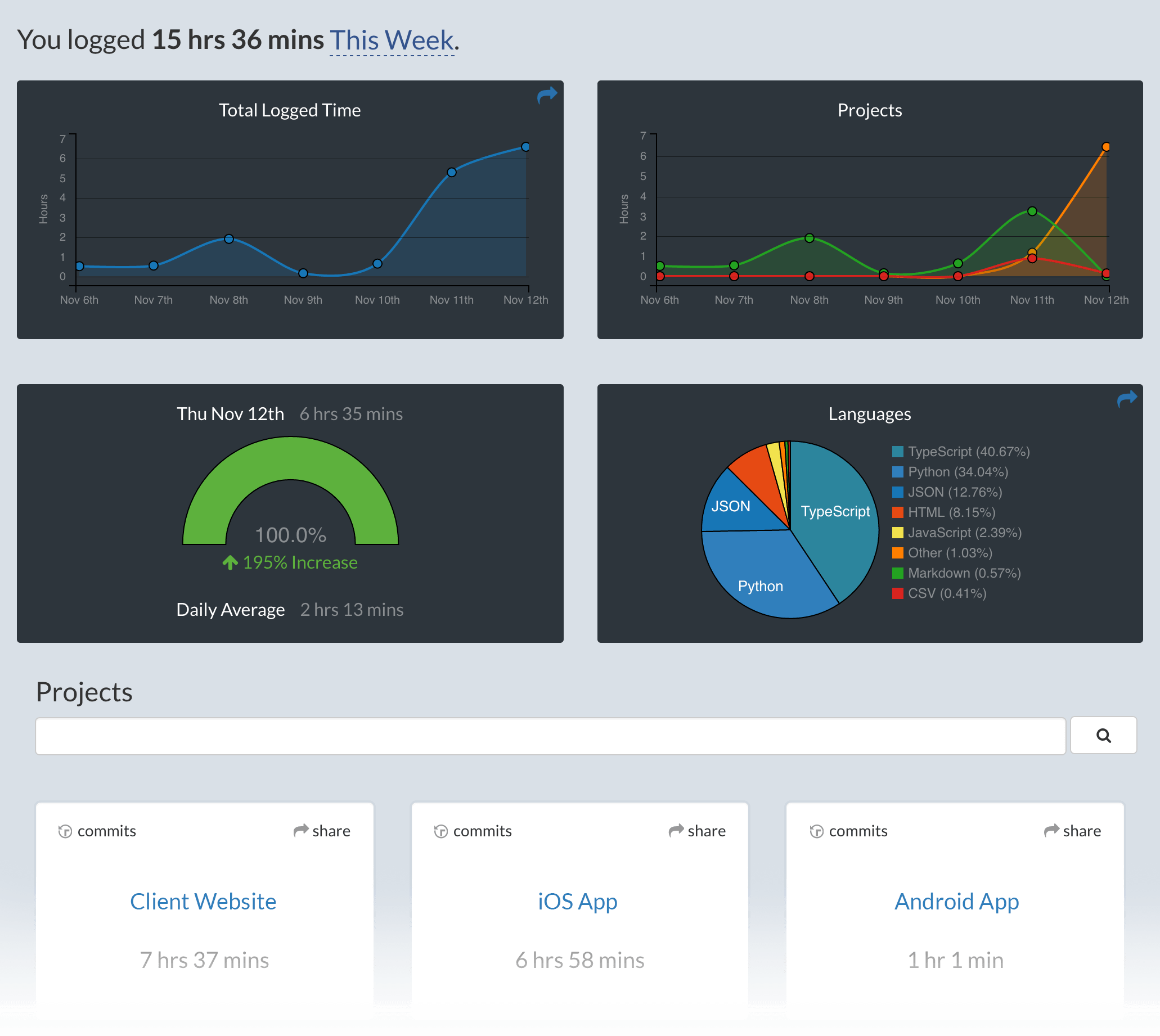
Use Visual Studio and your coding activity will be displayed on your WakaTime dashboard.

- Visual Studio 2010
- Visual Studio 2012
- Visual Studio 2013
- Visual Studio 2015
- Visual Studio 2017
Visual Studio for Mac is supported with the WakaTime for Monodevlop extension.
For legacy Visual Studio 2010, use the legacy WakaTime 2010 extension.
Microsoft does not allow extensions for Visual Studio Express edition in the gallery. To use WakaTime for Visual Studio Express, download and install WakaTime for Express.
Alternatively, you may clone the github repo and build the extension using the Express build profile.
The resulting bin/Express/WakaTime.vsix extension file will install into Visual Studio Express when run.
To open and build this project, please use Visual Studio 2017.
For debugging, configure the product to open in a new Visual Studio instance:
- Open the project properties (ALT + ENTER)
- In the Debug tab, set to Start external program. e.g:
C:\Program Files (x86)\Microsoft Visual Studio 15.0\Common7\IDE\devenv.exe - Add command line arguments:
/rootsuffix Exp
Look for a Tools → WakaTime Settings menu in Visual Studio.
If that menu doesn't exist, something prevented the WakaTime extension from loading.
Turn on debug mode from Tools → WakaTime Settings.
Are there error messages in your Visual Studio Output window?
Open the Output window from View → Output (ctrl + alt + O).

If there are no messages in your Visual Studio Output window, check your .wakatime.log file:
C:\Users\<user>\.wakatime.log
Lastly, uncaught exceptions go to ActivityLog.xml. Uncaught exceptions are rare, so check your ActivityLog.xml only after checking your Output Window and .wakatime.log file.
The How to Debug Plugins guide shows how to check when coding activity was last received from your IDE using the User Agents API. For more general troubleshooting info, see the wakatime-cli Troubleshooting Section.